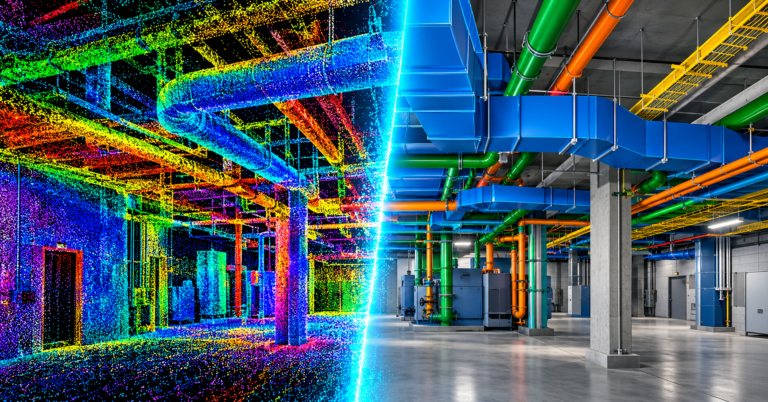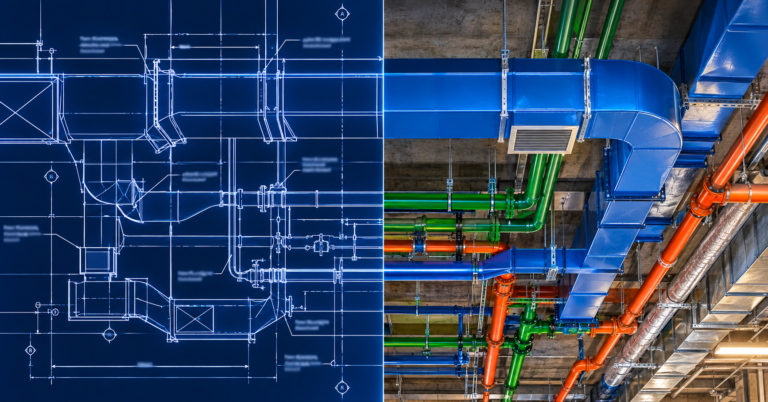

Your Model Is “Clash-Free”. So Why Are You Still Reworking on Site?
BIM clash detection is supposed to stop problems before they reach site. The report says zero clashes, everyone signs off, and the crew starts work. Then a duct hits a beam, a pipe runs through a hanger, and the rework starts anyway.
So what went wrong? In most cases, the model was not really clash-free. It only looked that way because of how the clash tests were set up. This post explains why “clash-free” often is not, the types of clashes most teams miss, and what a clash detection process that actually works looks like.
Why a “clash-free” model still fails on site
A clash report only checks what you ask it to check. As a result, a clean report can hide real problems. These are the gaps we see most often:
- Hangers and supports are not modelled. The ducts and pipes clear each other, but the supports holding them up do not. Those clashes never appear because the supports are not in the model.
- Insulation is missing. A pipe clears by 20 mm on screen. Once 50 mm of insulation goes on, it does not.
- Old models in the test. The structure or architecture changed, but the clash run still uses last month’s files.
- No space for access. Valves, dampers and equipment clear everything, yet nobody can reach them to service them.
- Too many false clashes. The report flags thousands of minor hits. Nobody can sort through them, so the real problems get lost in the noise.
- Some trades are left out. Fire protection, low voltage or the ceiling grid never make it into the test.
The first two points tie closely to the level of detail in the model. Our guide to what LOD 400 includes explains why fabrication-level models catch problems that coordination-level models miss.
The three types of clashes
Not every clash is two objects touching. In fact, good BIM clash detection looks for three different types:
| Type | What it means | Example |
|---|---|---|
| Hard clash | Two objects take up the same space | A duct runs straight through a beam |
| Soft clash | An object breaks into another’s clearance zone | A pipe sits inside the access space for a valve or a fire damper |
| Workflow clash | The sequence or timing does not work | Ductwork goes in before the sprinkler mains it needs to sit under |
Most clash reports only cover hard clashes. However, soft and workflow clashes often cause the most expensive problems, because they only show up when someone tries to install or maintain the system.
What a good clash detection process looks like
Clash detection works best as a weekly routine, not a one-off report. For example, a strong process usually follows these steps:
- First, agree on tolerances, clearances and test rules with every trade at the start.
- Next, make sure each trade uploads its latest model before every clash run.
- Then run tests by area and by trade pair, so the results stay manageable.
- After that, group and filter the results, so only real issues reach the meeting.
- Assign each clash to one trade with a clear deadline.
- Finally, rerun the test after fixes to confirm the clash is truly gone.
Most teams run their tests in a tool such as Navisworks. Still, the software matters less than the routine. A team that runs tests every week with current models will beat a team with better software that only checks once a month.
How to read a clash report without drowning in it
A raw report with 4,000 clashes helps nobody. Instead, a useful report should:
- Group clashes by area, level or zone.
- Combine duplicates, so one duct hitting ten joists counts as one issue.
- Rank issues by impact, starting with what blocks install soonest.
- Show a clear screenshot and the trades involved for each issue.
- Track status from week to week, so you can see clash counts going down.
If clash counts rise every week, the process is not working. That is also one of the warning signs we list in our post on why calling for BIM help too late costs more.
Where clash detection fits in the bigger picture
Clash detection comes before shop drawings, not after. Once the model is coordinated, your team can produce drawings the crew can trust. Our post on why trades keep getting MEP shop drawings wrong covers that next step.
If your team does not have time to run clash detection properly, outsourcing it for a busy period or a defined area is often the safer choice. Our guide to what you should get from Revit drafting services explains how to choose a partner, and our BIM quote guide shows how to scope the work.
BIM clash detection from BIMBAM Designs
BIMBAM Designs runs BIM clash detection and coordination for mechanical, electrical, plumbing, fire protection and structural contractors. We model with real supports and insulation, test against current models every week, and bring clear, ranked issues to your coordination meetings.
Learn more about our BIM coordination services, see our recent BIM projects, or talk to us about clash detection on your next project.